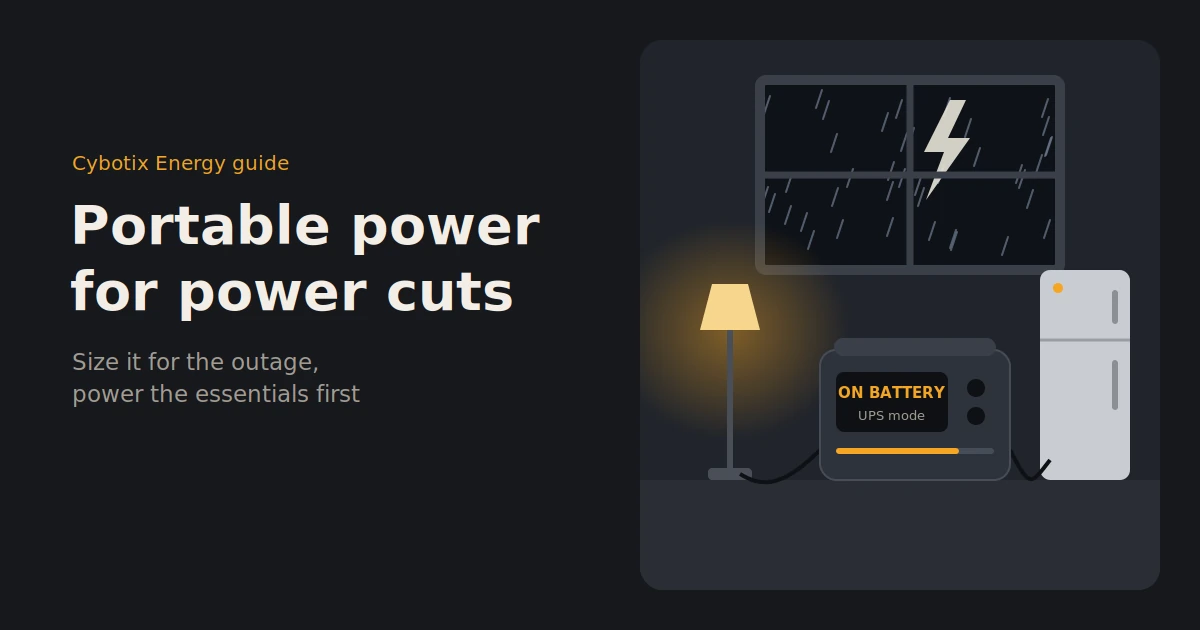
The wind picks up, the lights flicker, and then the house goes quiet. The fridge stops humming. The modem lights go dark. Your phone is on 15%, and nobody knows whether the power will be back in an hour or in three days.
A portable power station for power cuts keeps the essentials running when that happens: the fridge, the modem, lights, phones and medical devices. It does it silently, with no fumes, safely indoors.
This guide shows you how to size one for the kind of outage you’re likely to face, what to power first, how it compares with a generator, and the NZ-specific details worth knowing before storm season.
The short answer
A portable power station keeps your essentials running during a power cut, including the fridge, modem, lights, phones and medical devices, silently and safely indoors. For short cuts of a few hours, 800–1,000Wh is usually enough. For overnight or multi-day outages, choose 2,000Wh or more and add solar panels to recharge.
The right size depends far more on how long your outages last than on how big your house is. That’s where this guide starts.
How power cuts happen in New Zealand
Many NZ power cuts are short: planned maintenance, a car versus a power pole, or a fault that’s fixed within hours. But storms and floods can bring down lines across whole regions, and rural areas are often among the last to be reconnected. Plan for the outage you’re most likely to face, and have a plan for the long one.
The main causes:
- Planned maintenance. Lines companies usually give notice. These cuts often last a few hours.
- Faults and accidents. Equipment failures, vehicle strikes and trees on lines. Usually fixed the same day.
- Storms and floods. Wind, falling trees, slips and flooding can damage lines over wide areas.
- Rural supply. Long lines through hills and bush are more exposed, and repairs can take longer to reach.
Cyclone Gabrielle in February 2023 showed how long a major event can last. At its peak, around 225,000 customers were without power, and authorities warned some communities to be ready to go without electricity for days or weeks rather than hours. Hundreds of cell sites also went offline, which made charged phones and backup power for modems even more valuable.
Sizing for your outage: hours, overnight or days
Size your power station by how long you need to last, not how big your house is. A few hours of essentials needs around 1,000Wh. Getting through the night with a fridge needs 1,500–2,000Wh. Multi-day outages need 2,000Wh or more plus solar, or a whole-home system.
| Outage length | What you’ll keep running | Suggested capacity | Solar needed? | Example BLUETTI setup |
|---|---|---|---|---|
| A few hours | Modem, lights, phones, laptop; fridge kept closed | 800–1,000Wh | No | AC70P (864Wh) |
| Overnight (12–16 hours) | Fridge, modem, lights, phones, CPAP | 1,500–2,000Wh | Optional | Premium 200 V2 (2,073.6Wh), or AC70P plus a B80P expansion battery |
| Two to three days | Fridge and freezer, modem, lights, phones, CPAP | 2,000–3,000Wh | Yes, 400W or more | Apex 300 (2,764.8Wh) or Premium 200 V2, with panels |
| A week or more | Most essentials, plus some comfort loads | 5,000Wh and up | Yes, 800W or more | Apex 300 with expansion batteries and solar, or a fixed home battery system |
These are planning ranges, not guarantees. Your appliances, the weather and how carefully you use power all change how long you’ll last. Our guide to what a 1000Wh power station can run has appliance-by-appliance runtimes.
What to power first: a priority list
Power the things that keep people safe and food cold, then the things that keep you connected, then comfort. Medical devices come first, followed by the fridge and freezer, your modem and phones, and lights. Heaters, kettles and ovens use too much power for most portable units.
- Medical devices. CPAP machines, oxygen concentrators and anything else someone relies on. Check each device’s power draw in advance, and talk to your supplier about backup options.
- Fridge and freezer. A typical fridge-freezer uses roughly 0.7–1.6kWh a day. Keep the doors shut, and a full freezer can stay frozen for many hours on its own.
- Communications. Your modem and router use only 15–25W, and phones need about 15Wh per charge. Staying connected matters during an emergency.
- Lights. LED bulbs and lamps use very little: a few bulbs for an evening is usually under 100Wh.
- Comfort. An electric blanket uses far less than a heater and can make a cold night much more bearable. A TV or laptop for news and entertainment comes last.
Skip these on battery: electric heaters, heat pumps, kettles, ovens, hot water cylinders and clothes dryers. They draw 1,500W or more and empty a battery quickly. Use gas or plan around them.
Power station vs generator for power cuts
Power stations are silent, produce no fumes and can be used safely indoors, which makes them ideal for most household power cuts. Generators run heavier loads for longer, as long as you have fuel, but they must stay outside and need regular maintenance. Many households use a power station alone; some combine both.
| Portable power station | Petrol generator | |
|---|---|---|
| Noise | Silent or near-silent | Loud |
| Fumes | None | Exhaust containing carbon monoxide |
| Indoor use | Yes | Never; outdoors only, away from doors and windows |
| Fuel | Electricity or sunlight | Petrol, stored safely |
| Runtime | Limited by battery; extend with solar | As long as fuel lasts |
| Heavy loads | Limited by output rating | Usually better for heaters and pumps |
| Maintenance | Very little | Regular servicing and running |
| Starting up | Instant; automatic with UPS mode | Manual start |
| Best for | Most power cuts, indoor essentials | Long outages with heavy loads |
Our take: for most homes, a power station covers the realistic outages without the noise, fumes and fuel storage. If you already own a generator, a power station still helps, because it’s safe indoors overnight and you can recharge it from the generator during the day.
Features that matter for outages
For power cuts, look for four things: UPS mode, so devices switch to battery automatically; expandable capacity, so you can add batteries later; enough solar input to recharge during long outages; and pure sine wave output, so sensitive electronics run safely.
UPS mode
With UPS (uninterruptible power supply) mode, the power station sits between the wall and your devices. When the power drops, it switches to battery in a fraction of a second, so your modem stays online, your CPAP keeps running and your fridge barely notices. Check your model’s switchover time on the spec sheet if you’re powering anything sensitive.
Expandable batteries
Some BLUETTI power stations can connect to expansion batteries. The AC70P works with the B80P (806Wh) or B230 (2,048Wh), and the Apex 300 is built to expand further. That lets you start with what you need for short cuts and add capacity later.
Solar input
In a multi-day outage, recharging is what keeps you going. Solar panels can top up the battery each day without fuel or noise. Check how many watts of solar your power station accepts, and size your panels to match.
Pure sine wave output
Pure sine wave output delivers clean power similar to the grid, which suits laptops, modems, fridges and medical equipment. BLUETTI power stations use pure sine wave inverters.
NZ-specific things to know
If someone in your home relies on electricity for medical reasons, register with your electricity retailer and keep a backup plan. Never connect a power station to your home’s wiring yourself. That needs a licensed electrical worker. And keep your power station charged between storms so it’s ready when you need it.
Medically dependent consumers
If someone in your household depends on mains electricity for critical medical support, the Electricity Authority advises registering as a medically dependent consumer with your electricity retailer, the company you pay your power bill to. Your retailer may ask for confirmation from your GP or healthcare provider.
Registering doesn’t guarantee your power will stay on. That’s why retailers and the Electricity Authority recommend a backup plan, which can include battery backup. A charged power station sized for your device is one practical option. Talk to your healthcare provider or equipment supplier about what suits your needs, and in a medical emergency, always call 111.
Don’t connect it to your home’s wiring yourself
WorkSafe is clear: connecting any form of generation to a house’s electrical system must be done by a licensed electrical worker, with a changeover switch so power can’t flow back into the network. Back-feeding can electrocute lines workers repairing the fault.
For portable use, simply plug appliances into the power station directly. If you want backup power wired into your home’s circuits, talk to a registered electrician about a proper installation.
Keeping it ready between storms
- Keep it charged. Many owners leave it plugged in using UPS mode. If you store it instead, follow the manufacturer’s storage guidance and top it up every few months.
- Check it before storm season. Test it with your fridge or modem so you know it works and roughly how long it lasts.
- Store it sensibly. Somewhere cool and dry, off the floor if your area floods.
A simple power cut plan
A good plan has four stages: prepare before storm season, top up when a warning is issued, prioritise during the cut, and recharge once power returns. Ten minutes of planning now saves a stressful night later.
Before storm season
- Charge your power station fully and test it with your fridge, modem and any medical devices.
- Note how many watts your essentials draw, using the power station’s display.
- Register as a medically dependent consumer with your retailer, if that applies to your household.
- Check your solar panels and charging cables, and keep a torch and battery radio with your kit.
When a warning is issued
- Top up the power station, phones, power banks and laptops.
- Turn your fridge and freezer a little colder so they hold their temperature longer.
- Move the power station somewhere dry and easy to reach, near the fridge or modem.
During the cut
- Power medical devices first, then the fridge, then the modem, phones and lights.
- Keep the fridge and freezer doors closed as much as possible.
- Turn off the modem overnight if you need to stretch your battery.
- Set up solar panels when it’s safe to go outside.
After power returns
- Wait a few minutes for the supply to stabilise before plugging sensitive devices back into the wall.
- Recharge the power station fully, ready for next time.
FAQs
What size power station do I need for a power cut?
For a few hours of essentials like the modem, lights and phones, around 1,000Wh is usually enough. To keep a fridge running overnight, choose 1,500–2,000Wh. For outages lasting days, go for 2,000Wh or more and add solar panels.
Can a power station run my fridge during a power cut?
Yes. Most household fridge-freezers can run on a power station rated at 1,000W or more. A typical fridge-freezer uses about 0.7–1.6kWh a day, so a 2,000Wh unit can usually keep it going for a day or more.
Is a power station better than a generator for power cuts?
For most homes, yes. Power stations are silent, produce no fumes and can be used safely indoors. Generators handle heavier loads for longer, but must run outside and need fuel and maintenance.
Can I plug a power station into my house?
Not directly into your home’s wiring. WorkSafe requires any connection to house wiring to be done by a licensed electrical worker, with a changeover switch. Instead, plug your appliances straight into the power station.
How long will a power station last during a power cut?
It depends on its capacity and what you run. A 2,000Wh unit running a fridge, modem, lights and phones might last around a day. Adding solar panels can extend that across a multi-day outage.
Should I keep my power station fully charged?
Keep it charged and ready, especially before storm season. Many owners leave it plugged in using UPS mode. If you store it, follow the manufacturer’s storage guidance and top it up every few months.
Be ready before the next storm
A power station won’t stop the next storm, but it changes what a power cut feels like: the fridge stays cold, the family stays connected, and medical devices keep running. Size it for the outages you’re likely to face, keep it charged, and add solar if you live where repairs take longer.
Browse BLUETTI power stations and solar panels at Cybotix Energy, with NZD pricing including GST. Not sure what size suits your home? Tell our New Zealand team what you need to keep running, and we’ll help you plan a backup setup.